How to design a restaurant floor plan for efficient service
Walk into any busy restaurant at 8 pm on a Friday and you can read the floor plan without seeing a drawing. A server squeezes sideways between two tables. A host hovers by the door, unsure which section has space. A runner waits for a gap before carrying hot plates through. Each of those moments costs a few seconds, and a full night adds up to dozens of lost minutes.
A good floor plan removes those moments before service starts. This guide covers what a floor plan includes, what to settle before you draw one, how to lay out tables, and how to keep improving the plan once guests start using it.
What is a restaurant floor plan?
A restaurant floor plan is a scaled map of your space. It shows where tables, bars, host stands, service stations, walkways, restrooms and the kitchen pass sit in relation to each other.
It does two jobs at once. For guests, it decides how the room feels: how close the next table is, how far they walk to the restroom, whether the table by the door gets draughts. For staff, it decides how the room works: the route from kitchen to table, where trays rest, and how quickly someone can reach a guest who needs help.
Most layouts start from a split between dining and back-of-house. A common benchmark puts the dining area, bar, restrooms and waiting area at about 60% of the total space, with the other 40% going to the kitchen, prep and storage. Treat that as a starting point, not a rule. A cocktail-led venue may give far more to the bar.
What to settle before you draw anything
Why do two restaurants of the same size end up with such different layouts? Because the decisions behind the drawing differ. Answer these first:
- Service style. A counter-service café needs queue space and a clear order point. A table-service restaurant needs server routes and sections.
- Guest mix. Couples, families with prams and large celebration groups need different table sizes and spacing.
- Pace. A venue that turns tables three times a night needs shorter service paths than one where guests stay for hours.
- Accessibility and local rules. Check your municipality’s requirements for exits, capacity and fire lanes before you commit to a layout.
On accessibility, the benchmark figures are practical even where local codes differ. The ADA, for example, calls for aisles and routes of at least 36 inches, and one industry article advises keeping that 36-inch width clear even with seated guests along the route. You can read more in this FSR Magazine accessibility guide and this QSR Magazine overview. Confirm the rules that apply where you operate.
How to plan your table layout
Start with space per guest, then work outward.
Calculate capacity. Full-service restaurants typically plan 12 to 15 square feet per guest, and fine dining needs 18 to 20, according to Toast’s guide to restaurant square footage. A 1,200 sq ft casual dining room at 15 sq ft per guest seats about 80. Squeeze to 12 and you reach 100, but the room feels tighter and servers slow down. Pick the number that suits your concept, not the biggest one.
Choose table sizes by party size. Most rooms need a mix:
- Two-tops for couples and solo diners
- Four-tops for the bulk of the floor
- A few six-tops or joinable tables for groups
Square and rectangular tops join easily when a party of eight arrives, which is why many operators favour them over rounds. Oak Street’s seating layout guide lists realistic capacities by table size.
Protect the walkways. Draw the server routes first, then place tables around them. Keep one main path from the kitchen pass to every section, and keep it free of high chairs and bags.
Build in flexibility. Tables that slide together or apart let you reshape the room for a booking of 10 on Saturday and four couples on Sunday. Fixed booths save effort but lock in your capacity.
Restaurant floor plan ideas for different restaurant types
What works for a 20-seat café will fail in a hotel dining room. Here are four common setups and the trade-offs in each.
Small cafés and compact restaurants. Use banquette seating along the walls and put two-tops on the other side. This saves floor area and keeps one clear central path. Keep the order point away from the entrance so queues don’t block seated guests.
Casual dining and family restaurants. Mix booths with movable four-tops. Place the family-sized tables near the entrance, where prams don’t need to travel far, and keep them away from the quietest corner.
Fine dining and premium hospitality. Give each table more room and use wider aisles. Position the service station where staff can reach several tables without crossing the guests’ sightline. Fewer seats here usually earn more per cover.
Restaurants with outdoor or shared seating. Treat outdoor space as a separate zone with its own server. Shared communal tables suit lively venues, but plan for walk-up guests so they don’t disrupt booked tables.
Sketch each option at scale before you buy furniture. Taping the outline on the floor and walking it with your team often reveals problems a drawing hides.
Common floor plan mistakes
Most layout problems fall into five patterns:
- Bottlenecks at the pass. If runners queue to reach the kitchen, the problem is usually a narrow exit or a station placed in the way.
- Blind spots. A server who can’t see a section misses a raised hand. Check sightlines from every service station.
- Blocked accessible routes. Décor, chairs and high chairs creep into the clear width during service. Review the route when the room is full, not when it’s empty.
- Too many tables. More covers on paper rarely means more revenue if each table takes longer to serve.
- Dead zones. A corner that guests avoid wastes space. Move something there, such as a service station, a banquette or a feature table.
How to improve seating flow after opening
A plan that works on paper still needs a live test. Watch two or three services and write down where people hesitate. Which table do guests ask to move from? Where do servers pause? Which section does the host avoid?
Then change one thing at a time. Shift a table by 15 centimetres, swap a four-top for two two-tops, or move a station. Compare notes after a week. Ask servers as well, because they feel a bad layout before the data shows it.
This is also where digital tools help. If your team already records which tables sit empty longest or which section lags, you can make these changes with evidence instead of guesses.
How table management software supports restaurant operations
A floor plan only helps if the whole team shares the same picture of it. Paper layouts drift out of date, and verbal updates get lost in a busy shift.
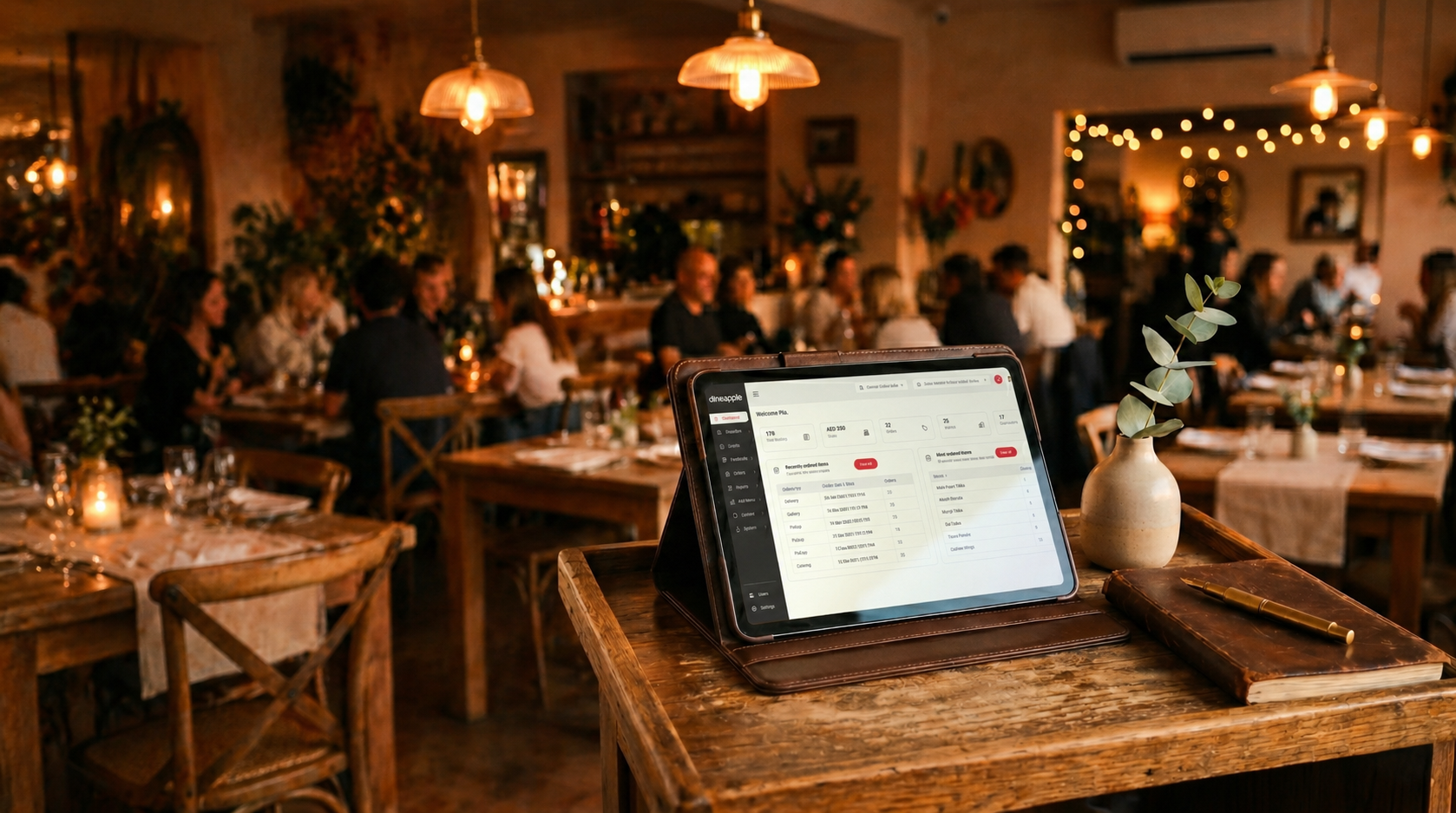
Dineapple’s restaurant table management software works after your physical layout is settled. It does not design the room. Once you know where the tables sit, it lets your team mirror that layout digitally and see each table’s status, whether available, occupied, reserved or blocked, in one view. You can group tables into zones, assign servers to them, and set capacity and cover limits for each meal period, including different schedules for special dates.
It connects to other parts of the operation too:
- Restaurant reservation system: bookings flow onto the floor, so hosts know which tables to hold.
- Restaurant menu software: digital menus keep guests ordering without waiting for a printed copy.
- Kitchen display system: orders reach the kitchen as soon as they’re placed, which shortens the walk to the pass.
- Hospitality CRM: guest notes, such as a preferred table, stay with the guest across visits.
- Restaurant loyalty program software: regulars who return often can be recognised and rewarded.
If you’re still choosing a booking tool, our guide on how to choose the right restaurant reservation system walks through the comparison.
Final thoughts
A floor plan is never finished. Start with realistic space per guest, protect your walkways, test the layout with your team, and adjust after real service. The restaurants that serve fastest are usually the ones that keep watching how the room behaves.
Â