How to coordinate multiple kitchen stations during busy service
What if a kitchen can take twenty tickets in ten minutes. The grill has three steaks going, the cold station is plating a burrata for table 12, and the pass is waiting on a side dish that nobody realised was missing. The cooks aren’t the problem. The problem is information who cooks what, and when?
This guide covers what station coordination means, where it breaks, and how to fix it step by step. You can use it in a single-site bistro, a hotel kitchen or a multi-outlet group, and you can test most of it this week.
Why coordination breaks down at peak service
Food is rarely the hard part. Timing is. Four things usually collide at once:
- Order bursts: dine-in, bar, takeaway and delivery orders land in the same five minutes.
- Uneven loads: the grill carries six tickets while the cold station waits for work.
- Late changes: a guest swaps a side or flags an allergy after the ticket has already printed.
- Mismatched cook times: a salad takes four minutes and a braise takes eighteen, yet both must reach the table together.
Take a table of six. Three guests order starters, three skip them, and one has a nut allergy. Every station sees a different slice of that order. If one slice gets lost, the whole table feels it.
What each kitchen station does
Every kitchen splits the work differently, but most share these roles:
- Prep: portions, sauces and garnishes before service starts.
- Hot line: sauté, fryer and oven items.
- Grill: proteins and anything with a char.
- Cold station: salads, starters and raw dishes.
- Dessert: plated sweets, often the quietest station until late in the evening.
- Pass: where the head chef or expeditor checks each dish and assembles the order.
A small cafe might fold three of these into one cook. A hotel kitchen running banquets might split them further. The principle stays the same. Each station needs to see only its own items, while the pass needs to see everything.
How to coordinate orders across multiple stations
Most busy kitchens run better when they follow five steps in the same order every shift.
- Standardise how orders enter the kitchen. Pick one path. Orders from servers, guests and delivery should all arrive in the same format, with the same details: table, items, quantities and notes. When three formats exist, cooks spend service decoding them.
- Route items to the right station. A burger ticket shouldn’t make the cold station read past it. Send the fries to the fryer, the patty to the grill and the slaw to cold. Each cook then sees a short, relevant list.
- Set clear timing priorities. Decide who sets the pace usually the pass does. Agree on what counts as late, such as a ticket older than twelve minutes, and agree on who acts when that happens.
- Pass on special requests properly. Allergies and dietary notes need a visible, consistent spot on the ticket. The National Restaurant Association reports that requests for allergen-free dishes outrank other healthful requests at restaurants. Sesame became the ninth major allergen in the US in 2023, so your menu notes need to cover it. Train every cook to read them, too: the Network for Public Health Law recommends that managers, servers and kitchen staff all receive allergen training.
- Track progress and plate together. Each station marks its items done. The pass holds the finished components until the slowest dish catches up, then sends the whole order out.
Why does the order matter? Skip step one and step two falls apart. Skip step three and the pass spends the rush shouting.
Common kitchen communication problems and how to fix them
Most kitchens recognise these four:
- Lost tickets. A paper slip falls off the rail or gets buried. Fix: give every ticket one fixed home and one person who checks it.
- Duplicate preparation. Two cooks start the same dish because neither knew the other had it. Fix: assign each item type to one station only.
- Unclear priorities. Everyone assumes their ticket is next. Fix: let the pass call the order and write the rule down.
- Delayed communication. A server walks over to say table 9 wants the mains held. By then, they’re plated. Fix: send changes to the same screen or rail where the original order sits, not by word of mouth.
A useful habit: after a rough service, ask each station one question. “What did you not know in time?†The answers tell you where information is leaking.
Paper tickets vs a kitchen display system
Paper works, and plenty of good kitchens still run on it. The gaps appear as volume grows.
Neither option is wrong. If you serve forty covers a night with a two-person line, paper may be enough. If you serve two hundred across five stations, the shouting starts to cost you time and food.
How a kitchen display system supports multi-station operations
A kitchen display system replaces the paper rail with a live digital queue. Orders enter once, reach the right station, and stay visible until the dish leaves the pass.
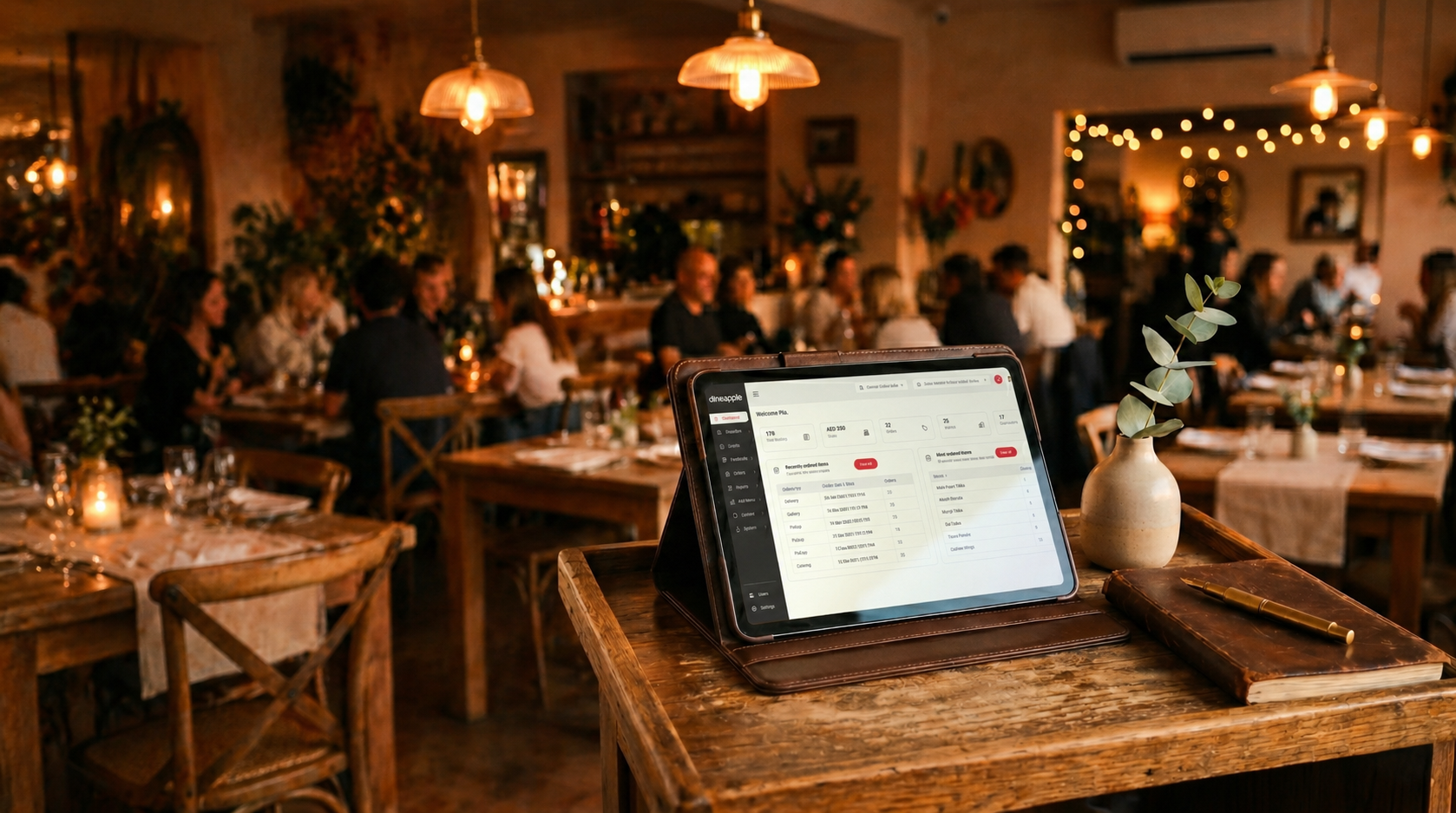
Dineapple’s kitchen display system works this way. Orders from guests or staff enter the kitchen flow with items, quantities and table context. Its KOT routing then sends each item to the station that prepares it. Teams move items across a drag-and-drop board through four stages: queued, in preparation, ready and passed. Front-of-house can see what’s ready and what still needs time, which cuts down on trips to the pass.
Course firing is where this pays off at the table. Starters, mains and desserts go to the kitchen when you decide, and the full order context stays attached. You keep control of pacing without losing track of what the table ordered.
Menu setup also feeds the kitchen. Clean item names and modifiers in your restaurant menu software make tickets easier to read at the station. The floor matters too. When your table management software shows which tables are seated, the kitchen can anticipate the next wave instead of reacting to it. If you take bookings, a reservation system helps you see the rush coming before it arrives. Each of those inputs makes the kitchen’s job a little less surprising.
What to look for in a kitchen display system
If you’re comparing options, including a kitchen display system for restaurants like ours, test these five things:
- Station routing: can you assign items to stations without rebuilding your menu?
- Ticket status: does the board show clearly what’s queued, in progress, ready and passed?
- Modifiers and notes: do allergy and dietary notes appear where cooks look first?
- Course coordination: can you hold and fire courses without cancelling or re-entering orders?
- Order entry link: do orders from the floor, guest ordering and other channels reach the screen without re-keying?
Ask for a demo using your own menu and your own busiest hour. A generic walkthrough hides the details that matter, such as how your 14-item brunch order appears at three stations at once.
Where to start
You don’t need new software to coordinate better tomorrow. Pick one change: write down who calls the order at the pass, give allergy notes a fixed spot on every ticket, or hold a five-minute debrief after service. Then measure what happens to your ticket times and remakes over two weeks.
If the same gaps keep returning, a live board is the next step. You can request a demo of the Dineapple kitchen display system and see how your own stations would look on it. Guest preferences and allergy notes can also live outside the kitchen. A hospitality CRM keeps them on the guest profile, and a loyalty programme gives you a reason to learn who your regulars are in the first place.
Â