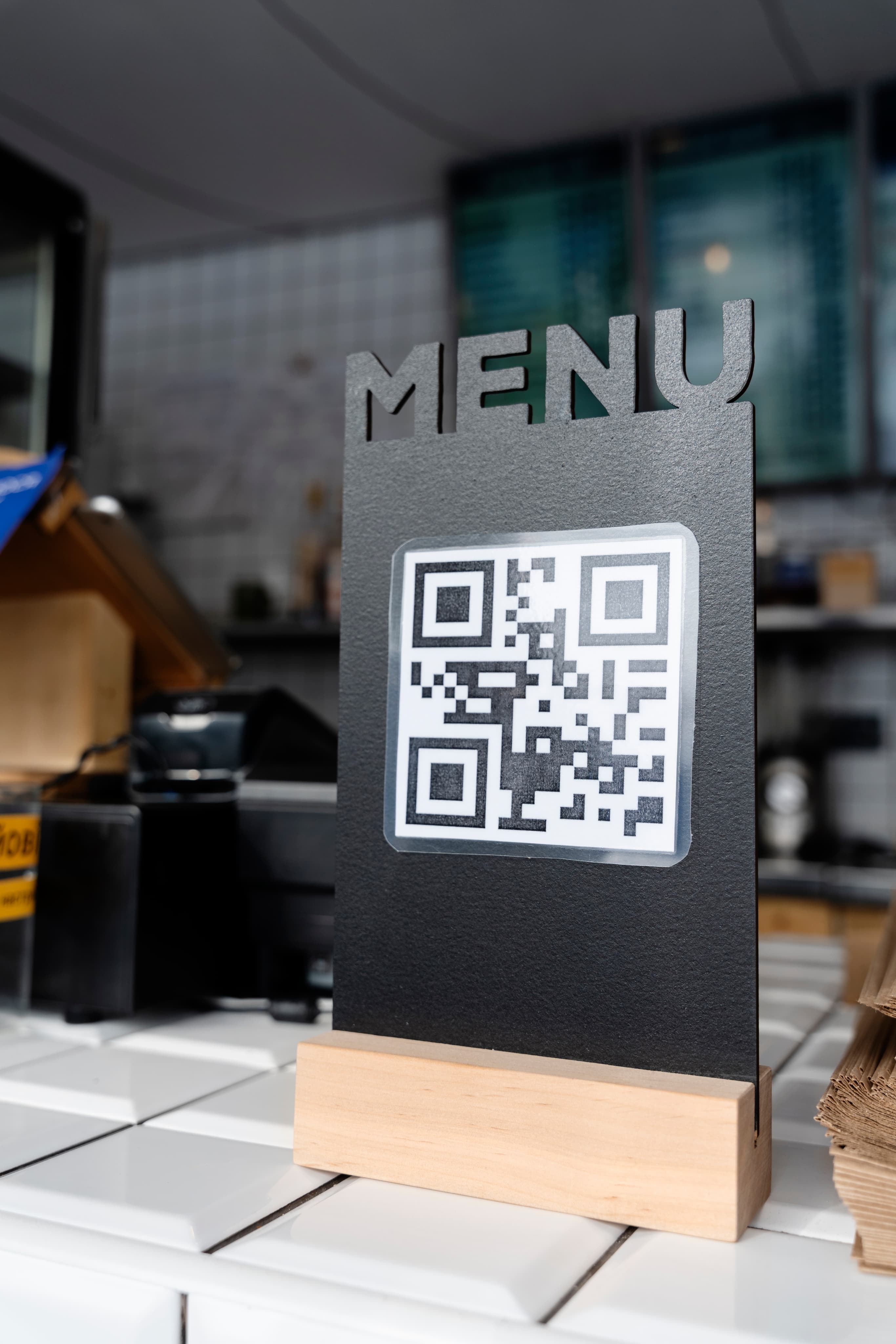
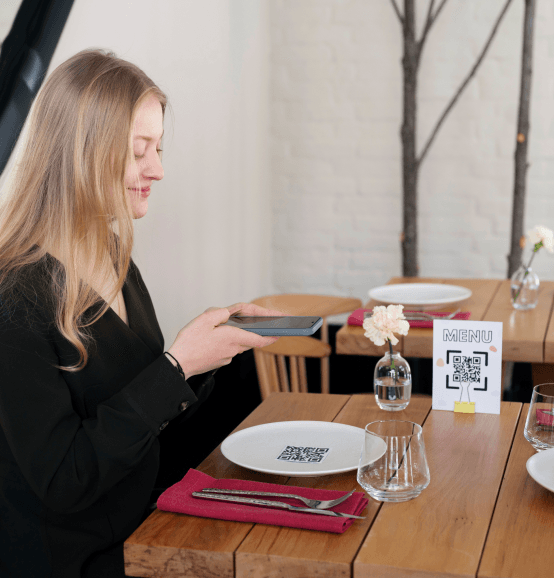
QR- powered Digital menus
Digital Menu
Menu software, built for clear decisions.
Your menu shapes every guest decision. It should be easy for your team to manage, easy for guests to understand and simple to keep current. Dineapple gives you one clear place to build, update and present every menu. Manage dishes, descriptions, modifiers, bundles, languages, and menu details without relying on scattered files or repeated manual updates.
Request DemoOne Perfect Menu Workspace
Build menus around the way you serve.
Keep menu details organised from the first edit to the final guest-facing display.
Menu management
Create and organise menus by service type, concept or occasion. Keep each menu active, updated and ready for the right moment.
Add item details
Add pricing, descriptions, ingredients, dietary information, preparation notes and chef highlights to every dish.
Modifier groups and options
Give guests clearer choices with structured add-ons, variations and selection rules for each item.
Menu bundles
Build fixed-price combinations or multi-course menus that keep the offer clear for guests and easy for your team to manage.
Menu import from PDFs and images
Bring existing menus into Dineapple without rebuilding every item from scratch. Import a PDF or image, then review and refine the details.
Multi-language menu support
Present menu content in the languages your guests need, while keeping every version connected to one source of truth.
From Menu File to Guest Choice
Keep menu updates moving without the extra work.
Restaurant menu software should help your team make changes with ease, not another task for the end of the shift.
- 01
Create your menu
Create a menu from scratch or import an existing PDF or image. Add categories, dishes, descriptions and the details guests need to see.
- 02
Shape every choice
Set item options, modifiers, bundles and pricing rules. Keep the structure clear for your team and consistent across every menu version.
- 03
Serve with confidence
Choose what is active, update it when needed and keep your digital menu display current for every guest-facing touchpoint.
Bring every menu into one place.
When menus live across PDFs, messages and old files, even a simple change can create confusion. Dineapple gives your team one organised place to manage what guests see.
What You're Missing
- A price or dish update has to be changed in several places.
- Modifiers and menu bundles are explained differently across teams.
- Different language versions become difficult to maintain.
Where We Excel
- Manage menu content from one central workspace and keep the current version clear.
- Set structured options and combinations that make every choice easier to manage.
- Keep multi-language menu support connected to the same menu structure, so updates stay consistent.
Turn Menu Data into Impactful Decisions
See what guests choose most.
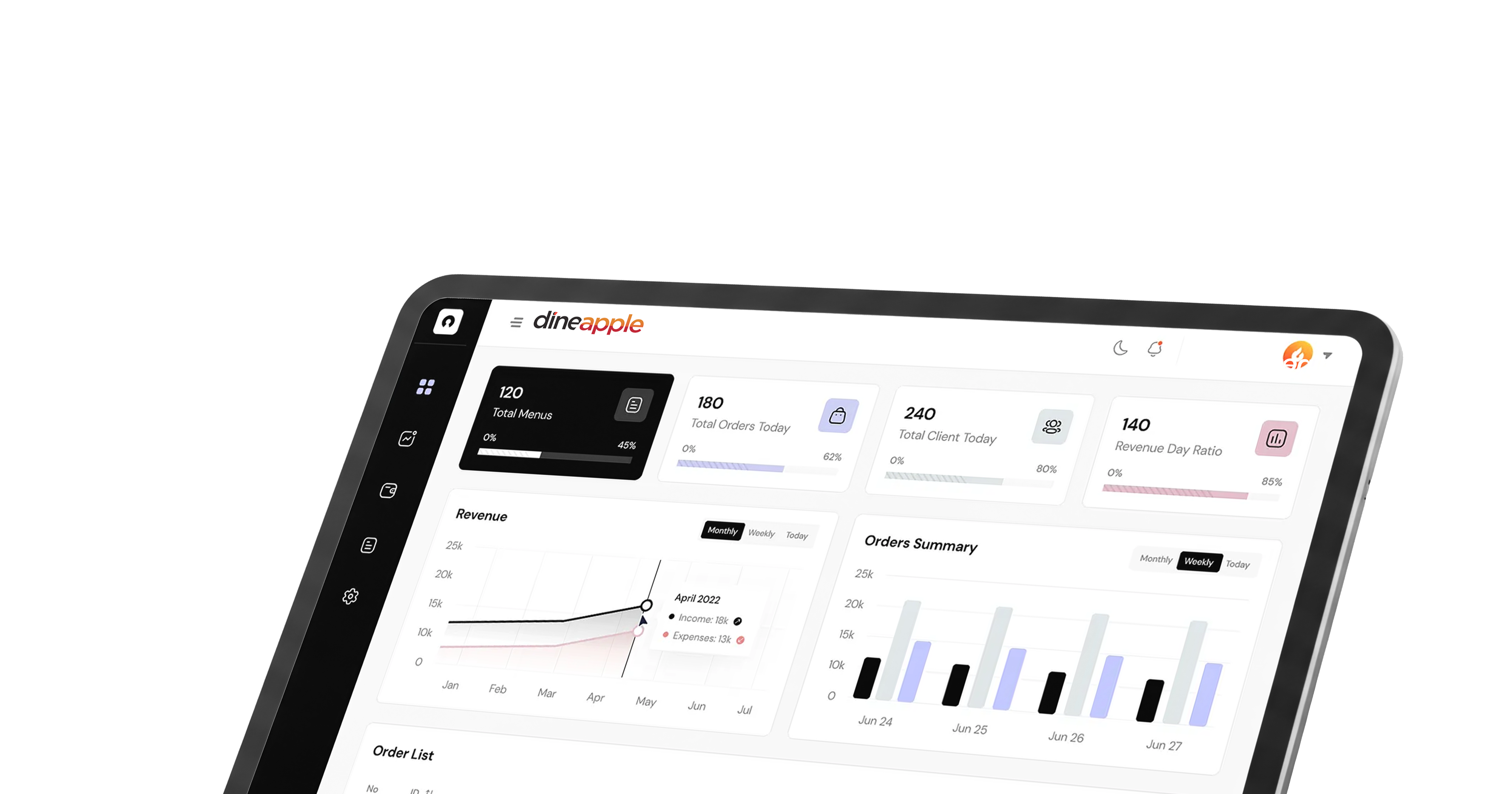
A menu should do more than list dishes. It should help you understand what is performing, what needs attention and where the right changes can make a difference. Dineapple’s Engineering Matrix Analytics gives your team a clearer view of menu performance, showing how items compare by popularity and margin over time. Use those insights to review the menu with more context, not more guesswork.
- One clear place to manage menu content
- More consistent item details and guest choices
- Digital menu display that stays current
- Better visibility into menu performance

Ready to run yourbest service yet?
See Dineapple in action. We'll walk you through the platform with your operation in mind.